Podcasts are full of useful ideas.
Most episodes are too long.
SumBest gives you the key takeaways, topics, and transcripts so you can decide what’s worth your time.
Turn long shows into
episode briefs
Add shows once. New episodes arrive ready to skim, jump through, and revisit.
Add shows you already trust
Start from the live catalog or paste an RSS feed for a show you already use for work.
Skim the brief before you spend 90 minutes
Each ready episode gets a short brief, chapter-level moments, topics, people, resources, and timestamps.
Listen, skip, or revisit
Open the useful timestamps when you have time, or ask the episode a question later when the idea becomes relevant.
Know what to listen to,
skip, and revisit
SumBest is for the shows you already trust but cannot keep up with every week.
Add trusted shows by RSS
Bring in the podcasts you already follow. New episodes stay organized with short briefs in one place.
Episode briefs that save listening time
See the main argument, key moments, and chapter-level takeaways before committing to a long listen.
Track topics, people, and tools
Scan what an episode covers at a glance: companies, tactics, guests, books, tools, and sponsor segments.
Ask questions when it matters
Heard something useful while driving? Ask later and get a cited answer with the exact moment to replay.
Cross-show semantic search
Find every time your trusted shows discussed fundraising, agents, pricing, hiring, or any other recurring topic.
People & Company Trackers
See where the same founder, startup, AI tool, or book keeps coming up across the shows you follow.
Your podcast catch-up,
without the backlog
Use SumBest when trusted shows are useful but too long: skim the latest episodes, open the parts that matter, and keep ideas searchable for later.
-
Decide what is worth hearing
Scan the summary and topics first, then choose whether an hour-long episode deserves your attention.
-
Recover ideas you heard while driving
When something sticks but you could not take notes, ask the episode later and jump back to the exact moment.
-
Track tools, companies, and opinions
Find what guests said about pricing, agents, distribution, hiring, or any market shift you are watching.
-
One place for trusted shows
Add shows once. New episodes are pulled into the same place so useful podcast ideas are easy to skim and revisit.

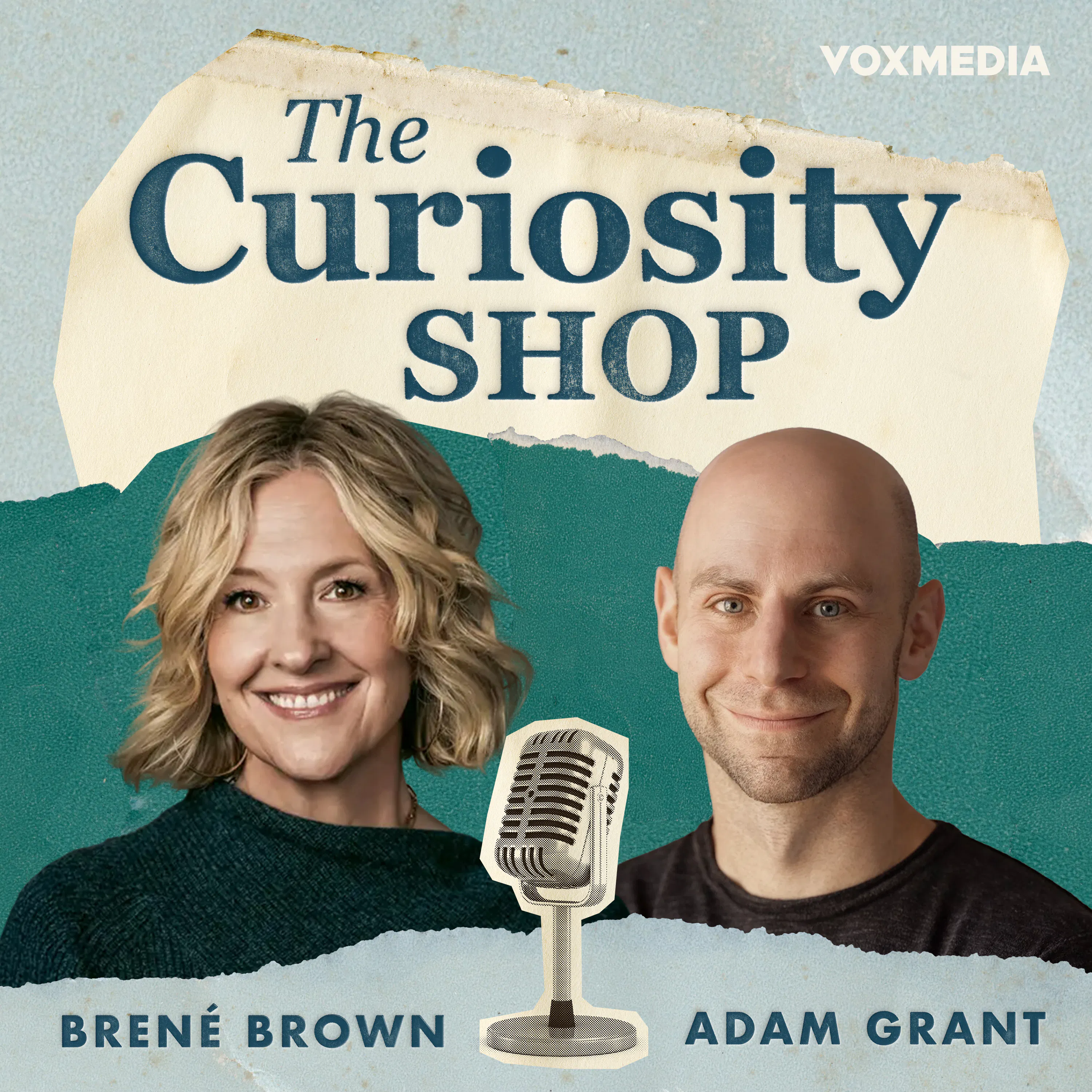



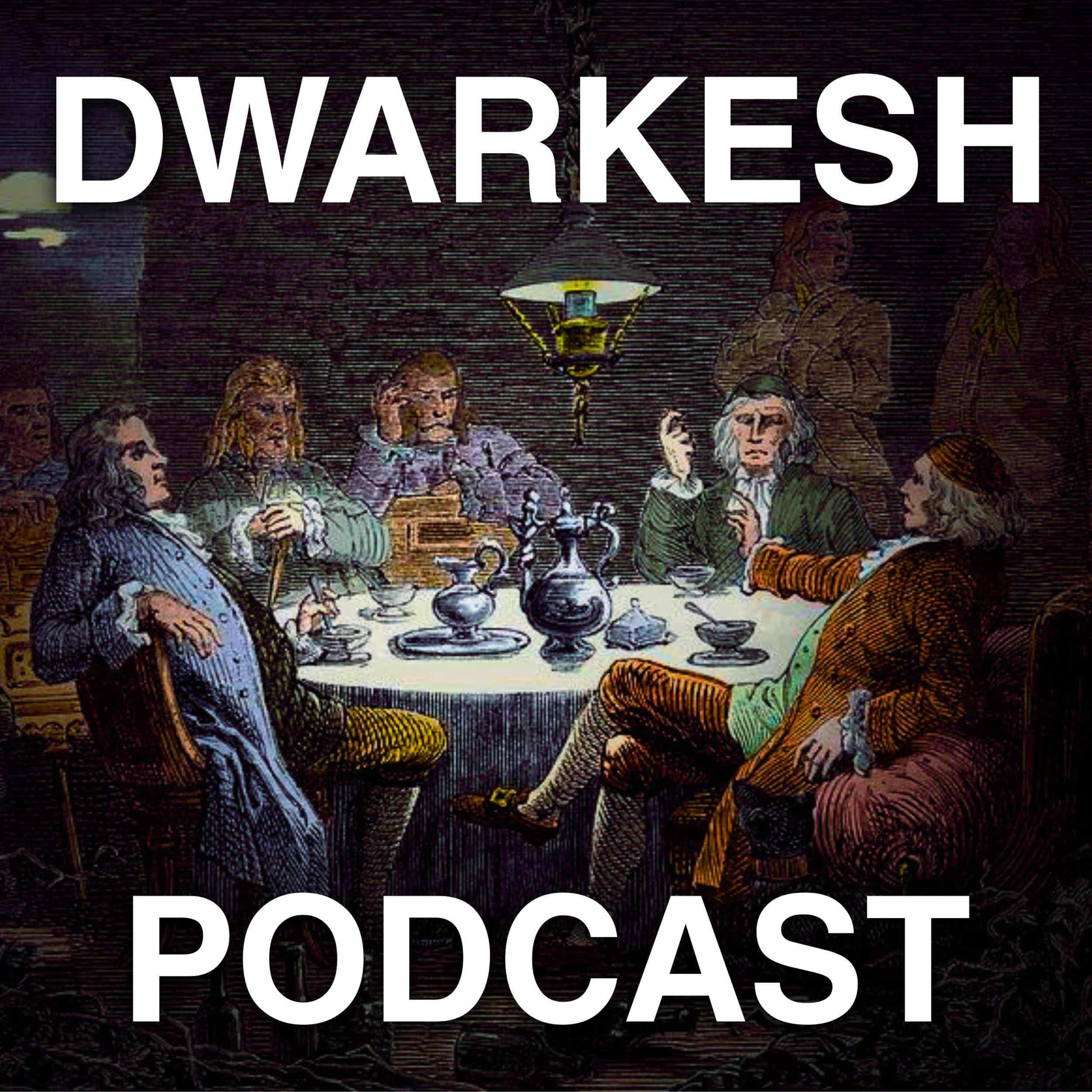

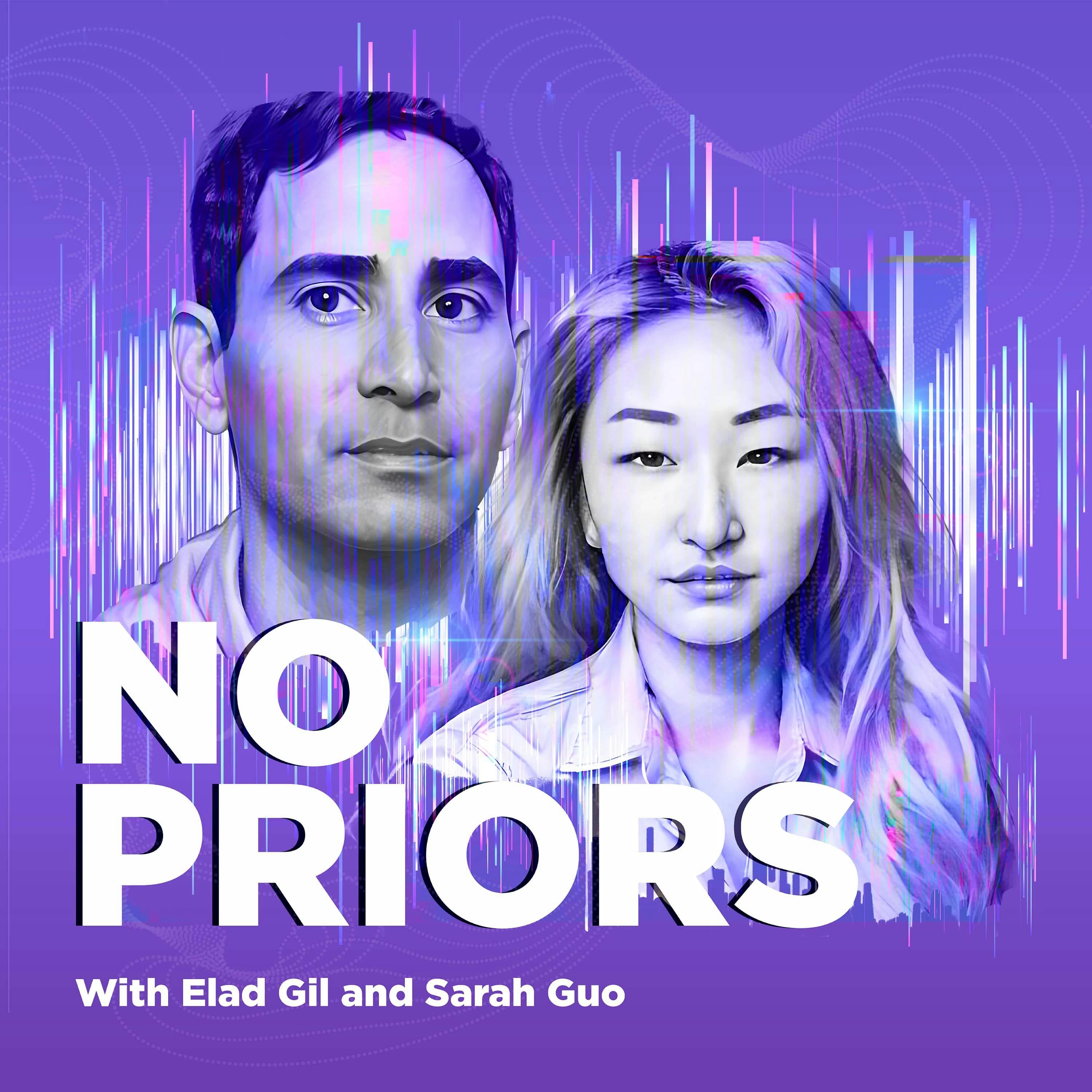
Episode briefs are live —
deeper search next
The live product already helps you skim briefs, jump to timestamps, and ask questions. The next layer connects patterns across shows.
Live Now
Coming Soon
Built for high-signal shows
SumBest is intentionally strongest when you already trust the source and need a faster way to decide what deserves attention.
Compounds with every show
Each show you add makes SumBest more useful: more briefs to skim, more context to search, and more ideas to recover later.
Useful at your desk or on the go
Use it after a commute, before a Monday planning session, or whenever a podcast idea turns into a work question.
Frequently Asked
Questions
Everything you need to know about using SumBest for long podcast episode briefs.
SumBest gives you the key takeaways, topics, transcripts, timestamps, and episode Q&A for long podcasts so you can decide what is worth your time. Add the shows you already follow, skim new episodes, jump to the parts worth hearing, and ask questions any time you want to go deeper.
Paste a podcast RSS feed URL or start from the live catalog. SumBest imports the show and keeps new episodes ready to skim as they publish.
For each ready episode you get a short brief, chapter-level moments, extracted topics, people, tools and resources, sponsor segments, a transcript with timestamps, and episode Q&A grounded in what was said.
You can browse public podcast pages without logging in. A free account lets you add shows, generate unprocessed transcripts, and use episode Q&A with saved history.
Start with one favorite
podcast
Browse live episodes or add one trusted show. Skim the brief first, then listen only when it is worth it.
Google sign-in · No credit card · 10 free transcript credits